


If you recently purchased a Nintendo gift card and are wondering about nintendo gift card code how to use on eshop, you are in the right place.
Nintendo eShop gift cards are one of the easiest and safest ways to add funds to your Nintendo account. Whether you want to buy new games, downloadable content (DLC), subscriptions, or in-game items, redeeming a gift card is simple and secure.
In this complete guide, you will learn:
- What a Nintendo Gift Card Code is
- Why you should use it
- Nintendo gift card code how to use on eshop step by step
- Benefits of redeeming gift cards
- Common mistakes to avoid
- Troubleshooting solutions
- FAQs with detailed answers
Let’s get started.

What Is a Nintendo Gift Card Code?
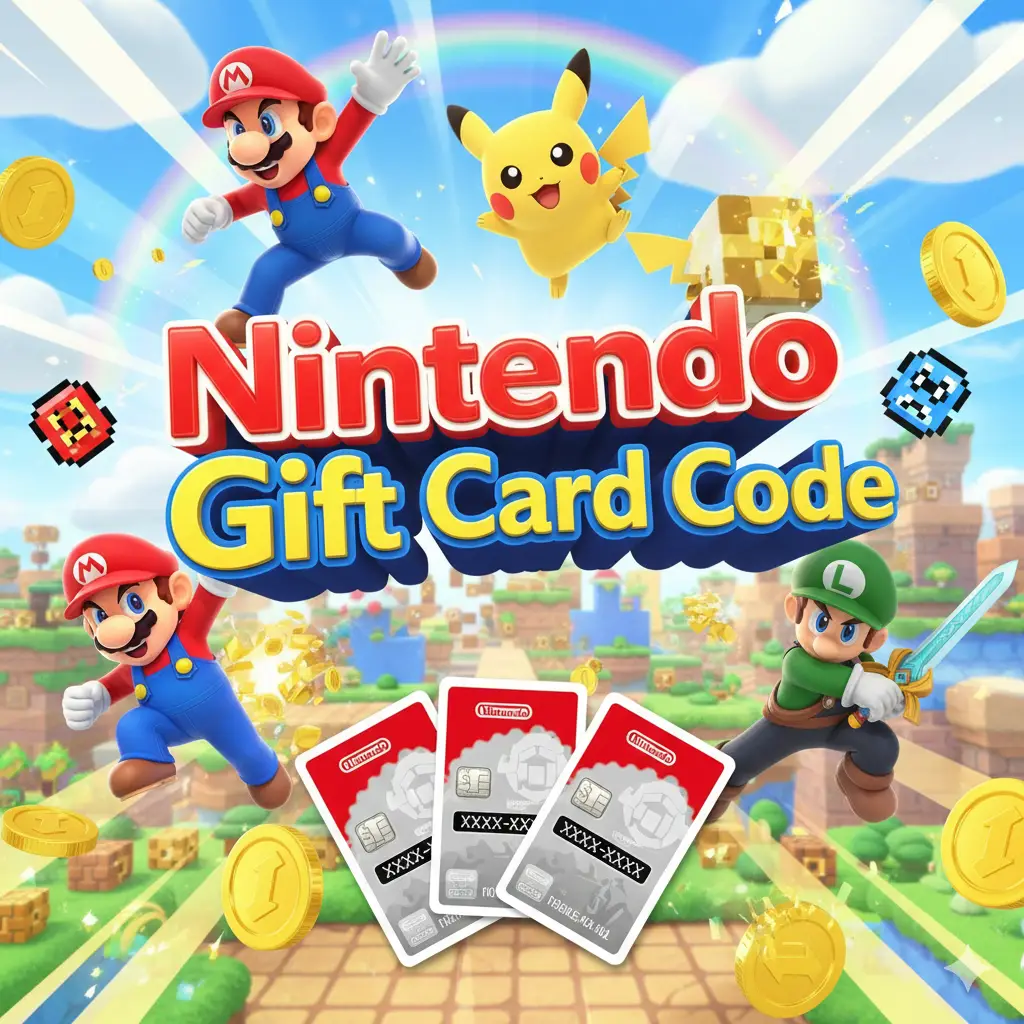
A Nintendo Gift Card Code is a prepaid digital or physical card that contains a unique 16-digit redemption code. This code can be entered into the Nintendo eShop to add funds to your Nintendo account wallet.
You can use these funds to purchase:
- Full Nintendo Switch games
- Digital-only titles
- Downloadable content (DLC)
- Nintendo Switch Online membership
- Expansion passes
- In-game currency for supported titles
The best part? You don’t need a credit card to shop. The balance gets added instantly once redeemed.
Why Use a Nintendo Gift Card?
Understanding nintendo gift card code how to use on eshop is important because gift cards offer major advantages:
1. Safe and Secure
No need to enter banking information online.
2. Budget Control
You can only spend the amount loaded, which helps manage spending.
3. Perfect for Gifting
Great birthday or holiday present for Nintendo Switch players.
4. No Expiration (In Most Regions)
Funds generally stay in your account.
5. Instant Access
Digital purchases become available immediately.
Nintendo Gift Card Code How to Use on eShop (Step-by-Step)
Here are 100% working methods to redeem your Nintendo gift card.
Method 1: Redeem Directly on Nintendo Switch Console
This is the most common and easiest method.
Step 1: Turn On Your Nintendo Switch
Make sure you are connected to the internet.
Step 2: Open Nintendo eShop
Select the Nintendo eShop icon from the HOME menu.
Step 3: Choose Your Account
If prompted, select the Nintendo account you want to use.
Step 4: Select “Enter Code”
Scroll down on the left sidebar and select “Enter Code.”
Step 5: Enter the 16-Digit Code
Carefully type the code exactly as shown on your card.
Step 6: Confirm Redemption
Select “OK” and confirm.
Your funds will instantly be added to your eShop balance.
That’s it — this is the fastest solution for nintendo gift card code how to use on eshop.
Method 2: Redeem via Web Browser
You can also redeem the code online.
Step 1: Sign in to Your Nintendo Account
Log in using your Nintendo account credentials.
Step 2: Go to Redeem Code Section
Navigate to the redemption area.
Step 3: Enter Your Gift Card Code
Type the 16-digit code carefully.
Step 4: Confirm
Submit and confirm.
Your balance will update instantly.
Method 3: Redeem on Mobile Device
You can also use your smartphone.
- Open your browser.
- Log in to your Nintendo account.
- Enter the gift card code.
- Confirm redemption.
This method works the same way and is convenient when you are not near your console.
How to Check Your eShop Balance
After learning nintendo gift card code how to use on eshop, you may want to check your balance.
On Nintendo Switch:
- Open Nintendo eShop.
- Your balance appears in the top-right corner.
On Web:
- Log into your Nintendo account.
- Check your wallet balance.
Benefits of Using Nintendo Gift Cards
Understanding the benefits helps maximize value.
Instant Digital Game Access
Buy and download games immediately.
Parental Control Friendly
Parents can control spending limits.
No Hidden Fees
The amount on the card equals the amount you receive.
Great for Sales
Use gift card funds during seasonal sales for maximum savings.
Works for Subscriptions
Pay for Nintendo Switch Online easily.
Common Mistakes to Avoid
When learning nintendo gift card code how to use on eshop, avoid these errors:
1. Entering Code Incorrectly
Double-check letters and numbers.
2. Region Mismatch
Make sure your account region matches the gift card region.
3. Using Expired Promotions
Regular gift cards usually don’t expire, but promotional codes might.
4. Already Redeemed Code
If you see an error, the code may have been used.
Troubleshooting: Code Not Working?
Here are quick fixes:
Check Internet Connection
Poor connection can interrupt redemption.
Verify Code Format
Nintendo codes are typically 16 characters.
Confirm Region Compatibility
US card must be redeemed on US account.
Restart Your Console
Sometimes a quick restart fixes temporary issues.
Contact Retailer (If Damaged)
If physical card code is scratched or unreadable, contact the seller.
Why This Method Is 100% Working
These redemption methods are official and supported by Nintendo systems.
- Direct console redemption
- Account-based redemption
- Secure code validation system
- Instant wallet update
If done correctly, redemption works every time.
Best Ways to Use Your Balance
After completing nintendo gift card code how to use on eshop, here’s how to maximize value:
Buy During Sales
Nintendo eShop frequently offers discounts.
Purchase Expansion Packs
Enhance your favorite games.
Subscribe to Nintendo Switch Online
Play multiplayer and access retro games.
Pre-order Digital Titles
Secure upcoming releases instantly.
Security Tips
- Never share your gift card code publicly.
- Avoid unofficial websites claiming “bonus codes.”
- Redeem the card immediately after purchase.
- Store physical card safely.
Frequently Asked Questions (FAQs)
1. How long does it take to redeem a Nintendo gift card?
Redemption is instant. Once you enter the code correctly, funds appear immediately in your eShop wallet.
2. Can I redeem multiple Nintendo gift cards?
Yes. You can redeem multiple codes, and the balances will combine in your account.
3. Why is my Nintendo gift card code not working?
Common reasons include incorrect entry, region mismatch, or the code already being used.
4. Can I transfer my eShop balance to another account?
No. Funds are tied to the Nintendo account that redeemed them.
5. Do Nintendo gift card funds expire?
In most regions, standard gift card funds do not expire once added to your account.
Final Thoughts
Understanding nintendo gift card code how to use on eshop is simple when you follow the correct steps.
Whether you redeem through your Nintendo Switch console, web browser, or mobile device, the process is fast, secure, and reliable.
Nintendo gift cards are:
- Safe
- Easy to use
- Budget-friendly
- Perfect for gifting
- Instantly redeemable
By following this complete guide, you now know the 100% working methods to redeem your Nintendo gift card and start enjoying your favorite games immediately.